Accounts Payable
Under "Payables" in the left-hand menu, click "Approvals."
The default view shows purchase orders that are pending approval (who approved and when it is available is in the export.)
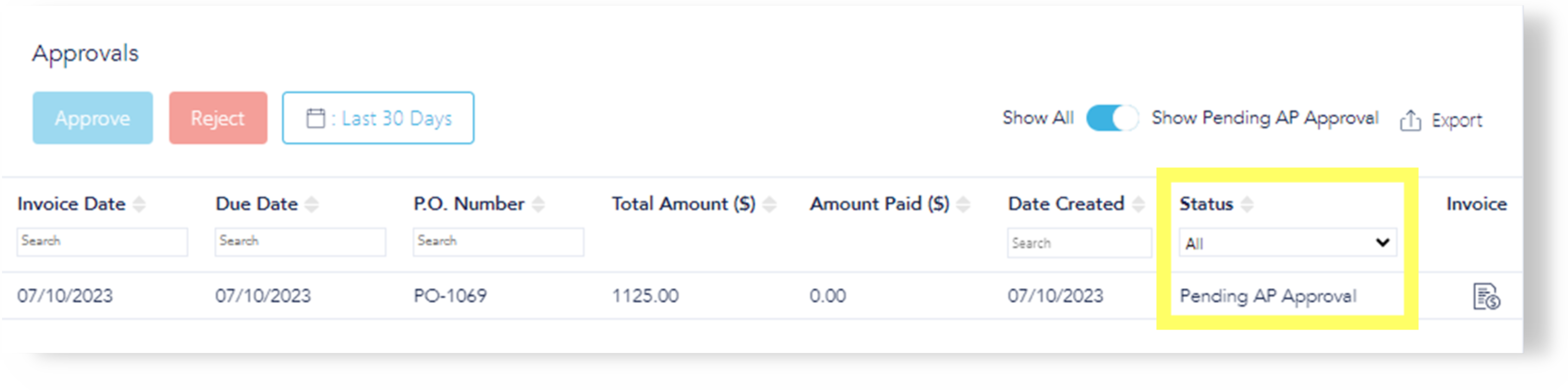
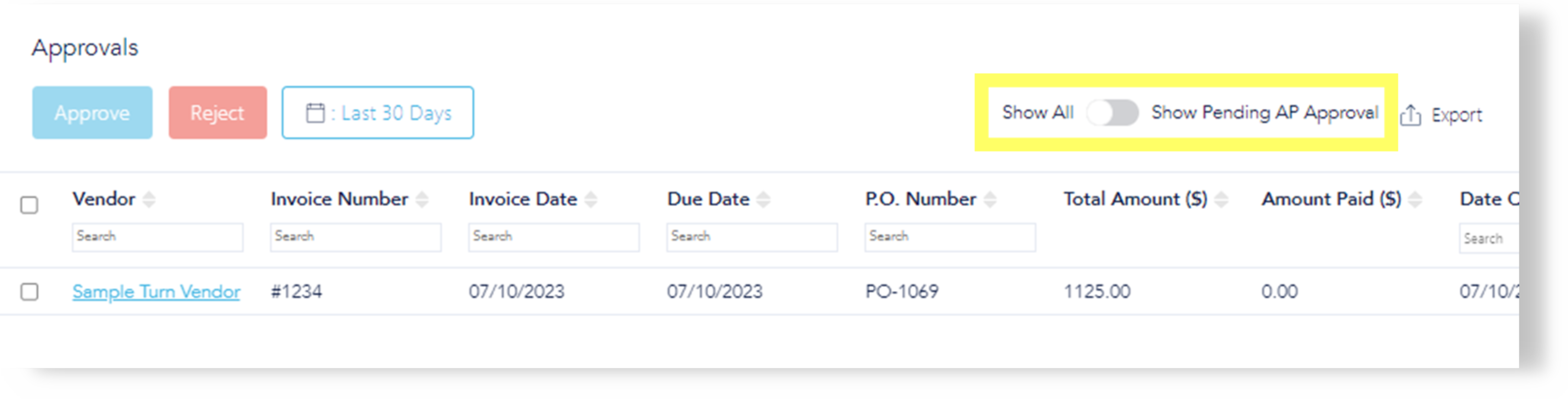
Filter the Status column using the "Pending AP Approval/Show All" toggle to show everything requiring approval, and review the respective invoice(s).
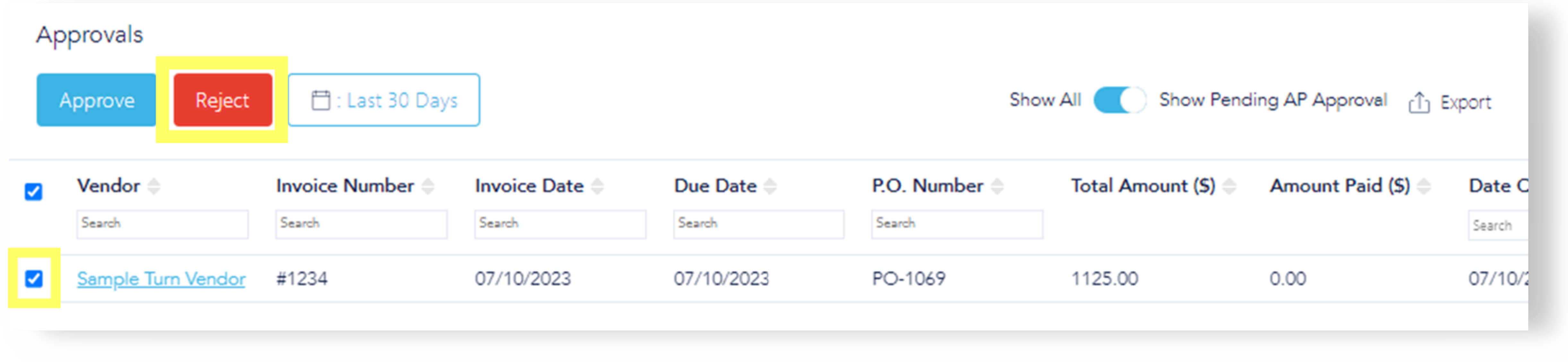
The AP can then either approve or reject the purchase orders.
Rejections
If rejected (red "Reject" button), this option requires a reason. Status changes to "Rejected," allowing for edits and requires invoice be resent to the vendor.
The PO is now available under rejected filter with the rejection note at the top. Repeat the process until PO is ready for approval.
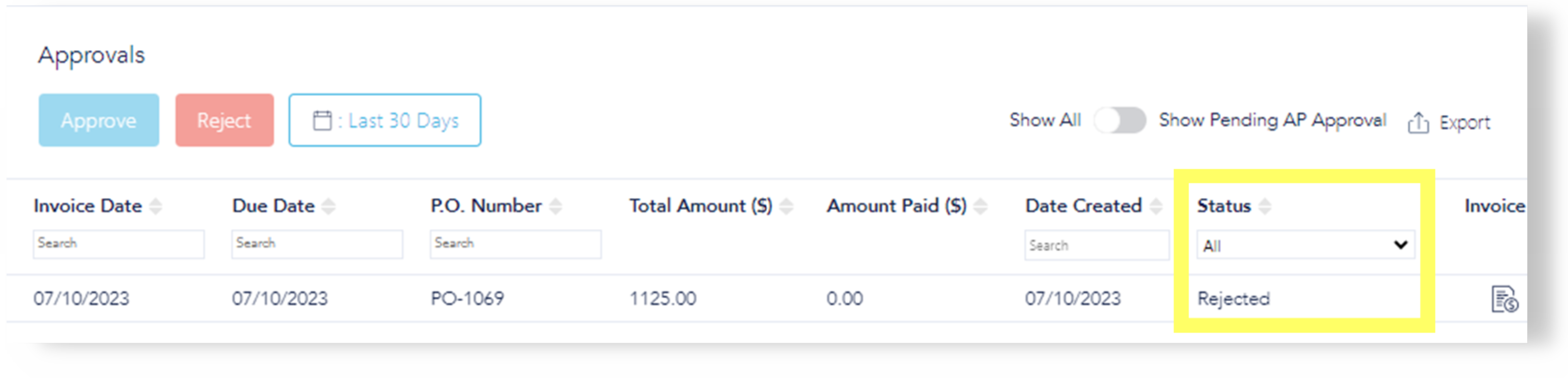
Approvals
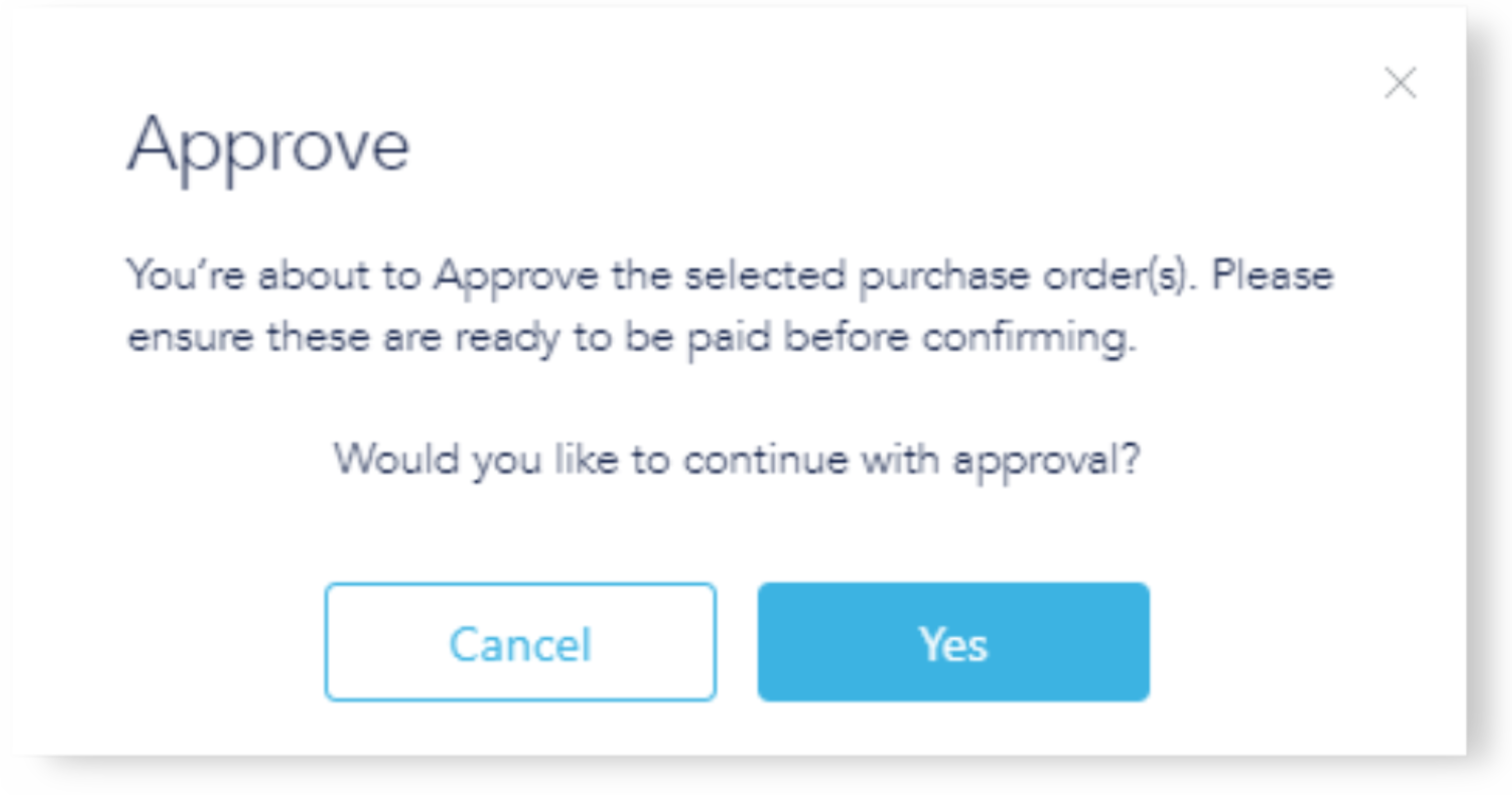
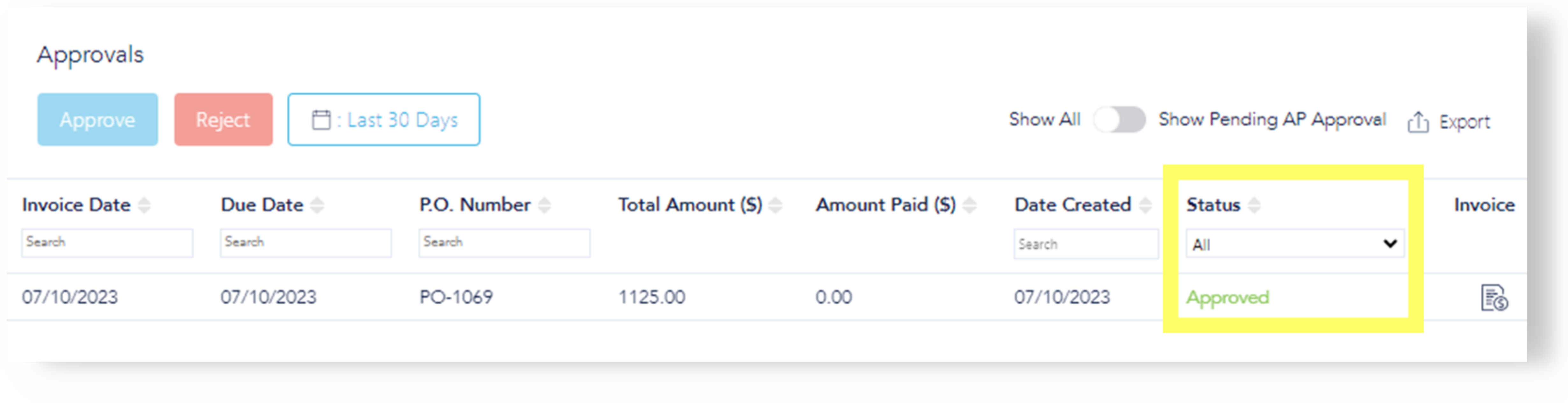
Click the blue "Approve" button when ready. Click "Yes" to confirm the PO is ready to be paid. The status will change to "AP approved."
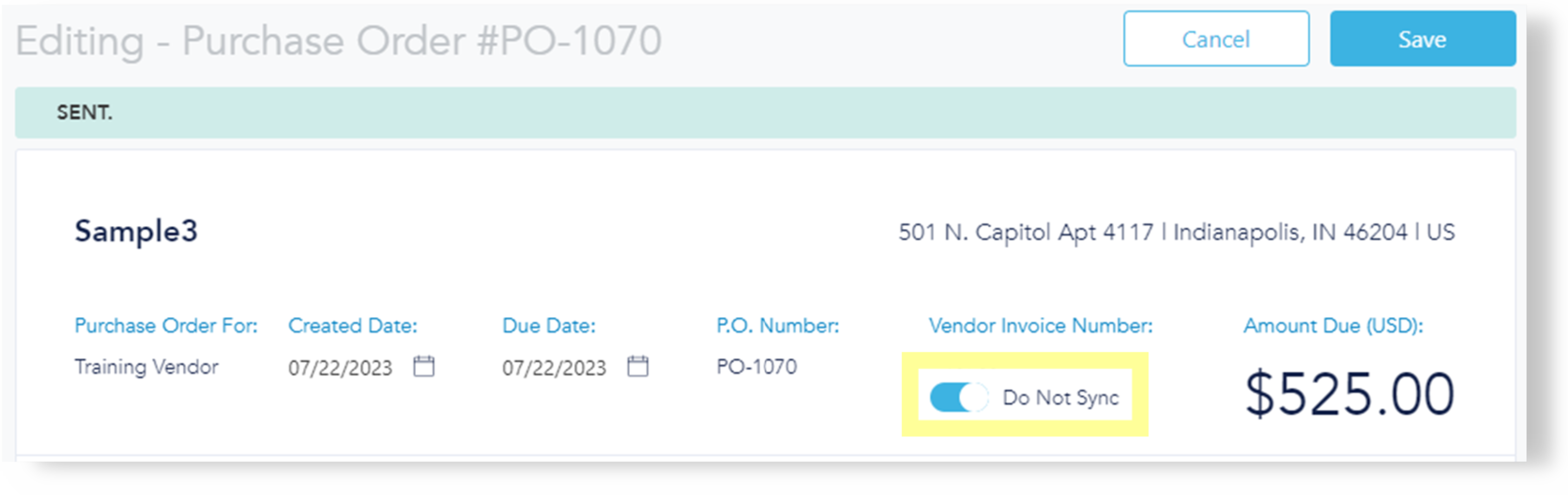
Sync button: Toggle this option off if an invoice has already been paid to prevent duplicate syncing and avoid double payments. (This is a beta feature; If you are not syncing invoices back to LMS, you can ignore this field.