
The Payables Process
To send a PO (Purchase Order), click "Send to" (ensure vendor email is entered in setup). This action sends the PO to the respective vendor.
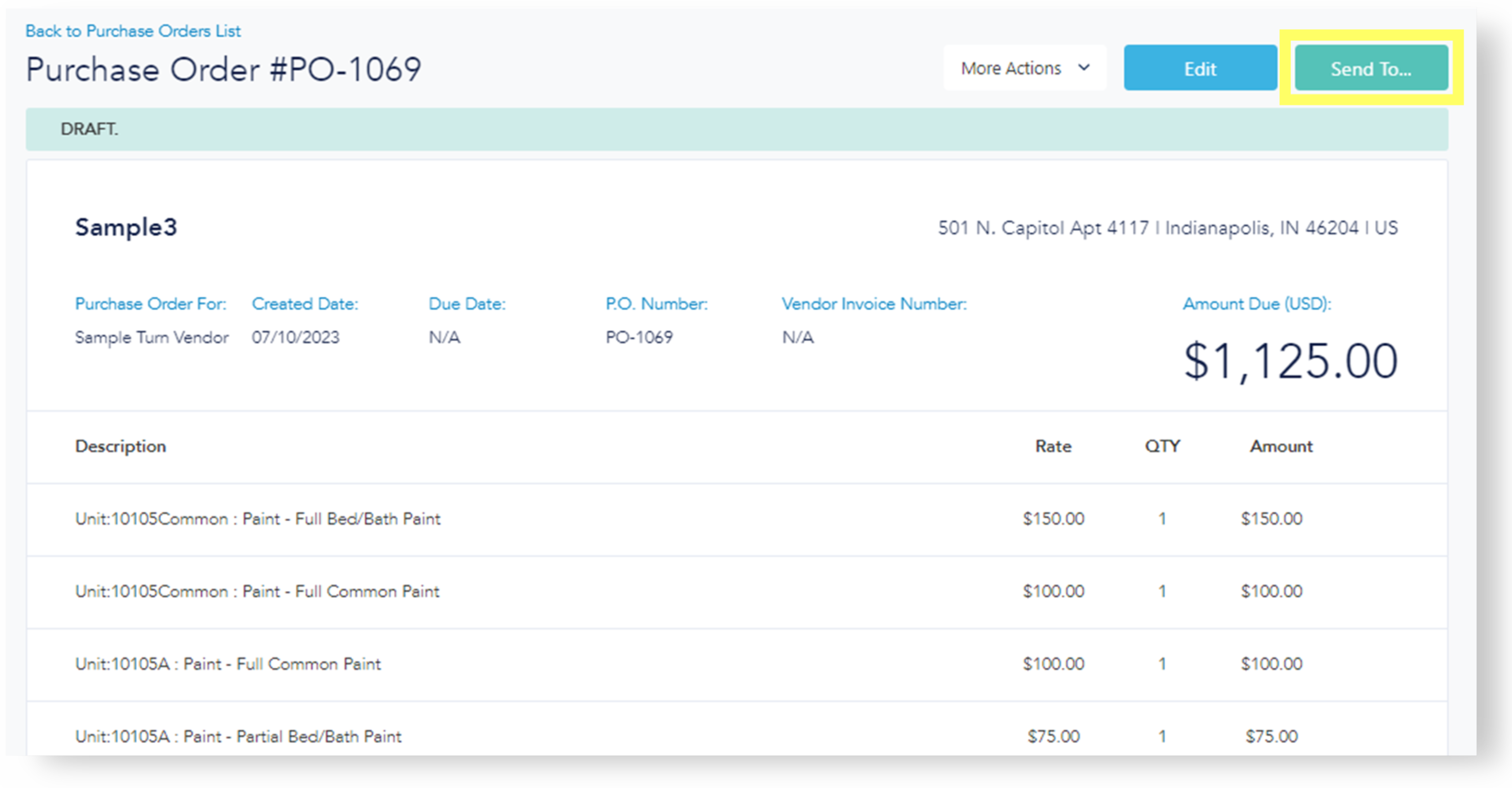
The Draft status will change to "Sent."
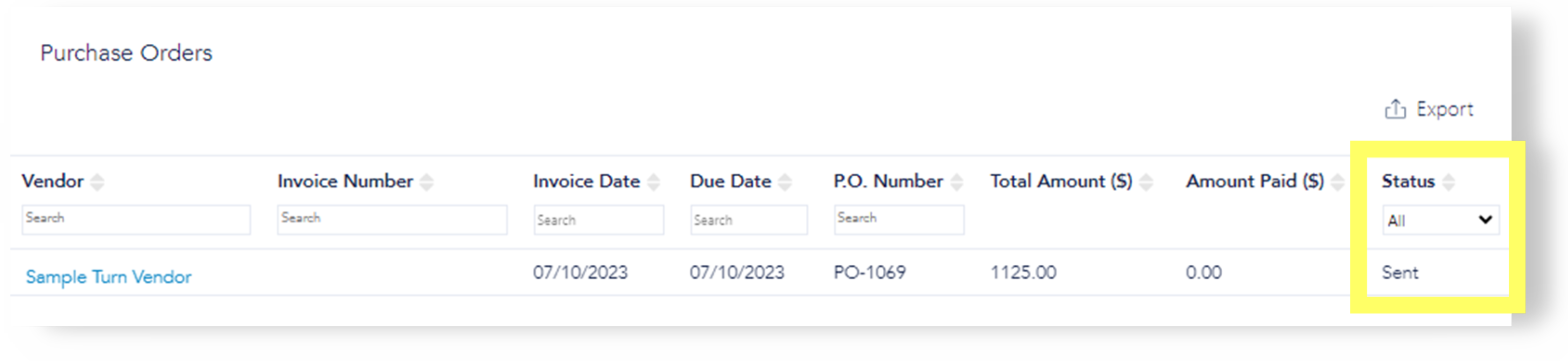
The vendor should then return an invoice.
Once the invoice is received, click "More Actions" to attach the invoice.
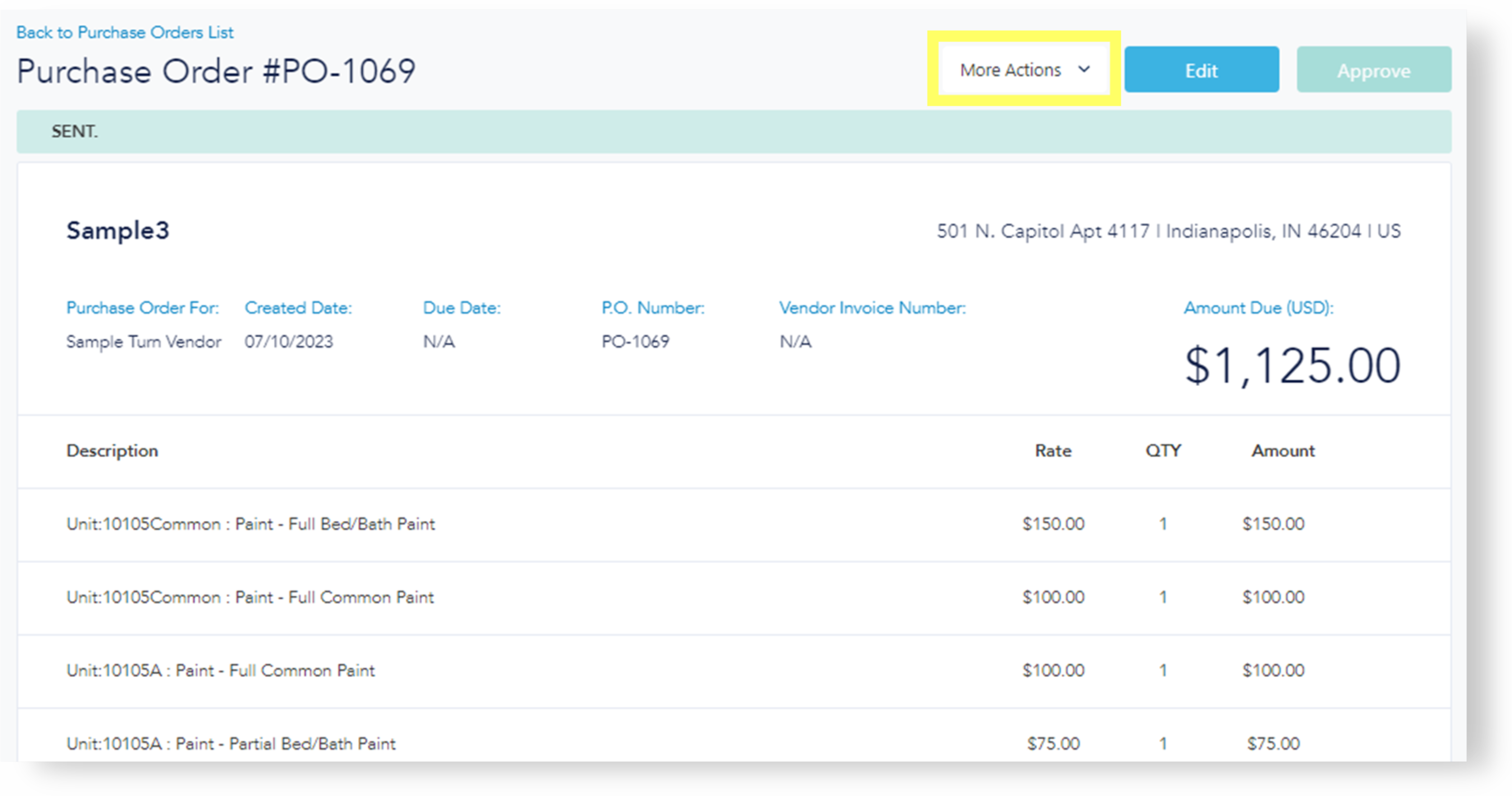
Enter the Vendor Invoice Number (required). The "Approve" button will become available.
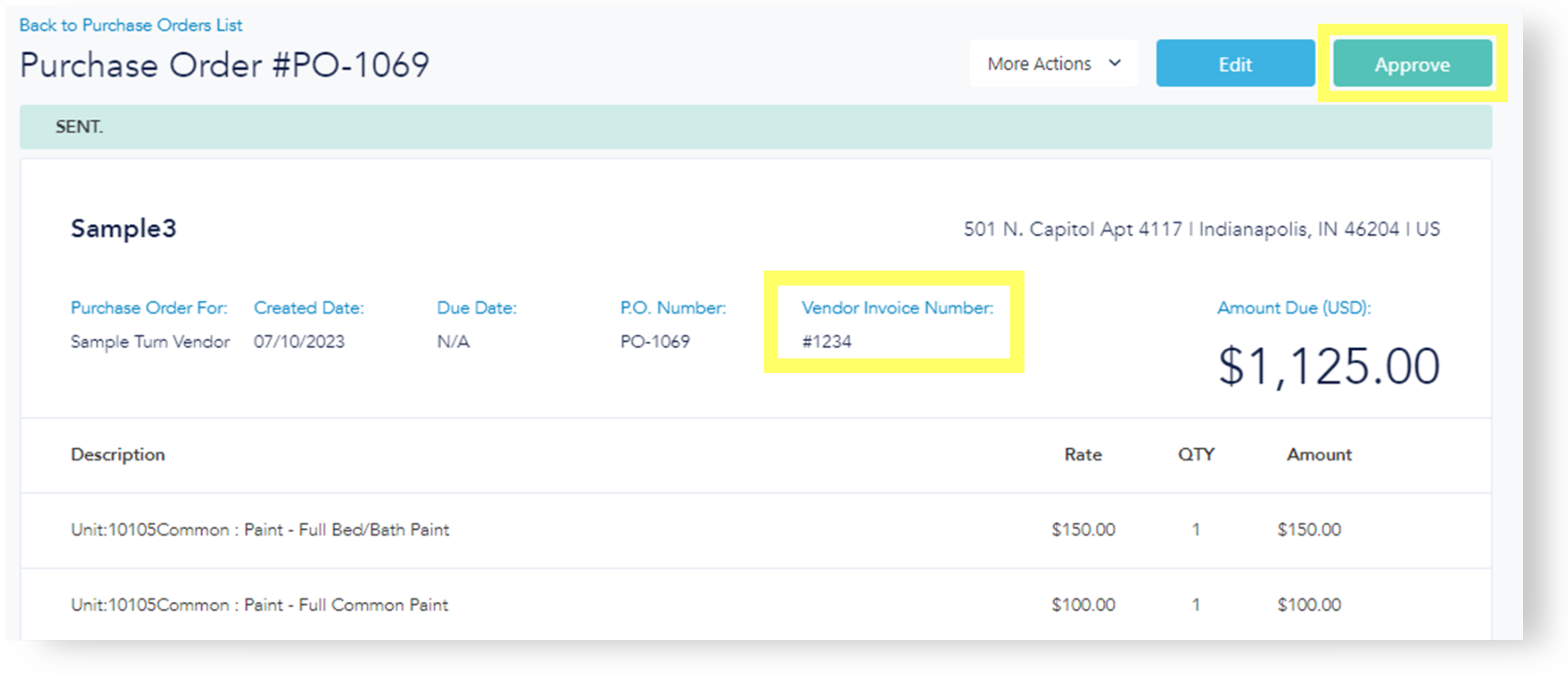
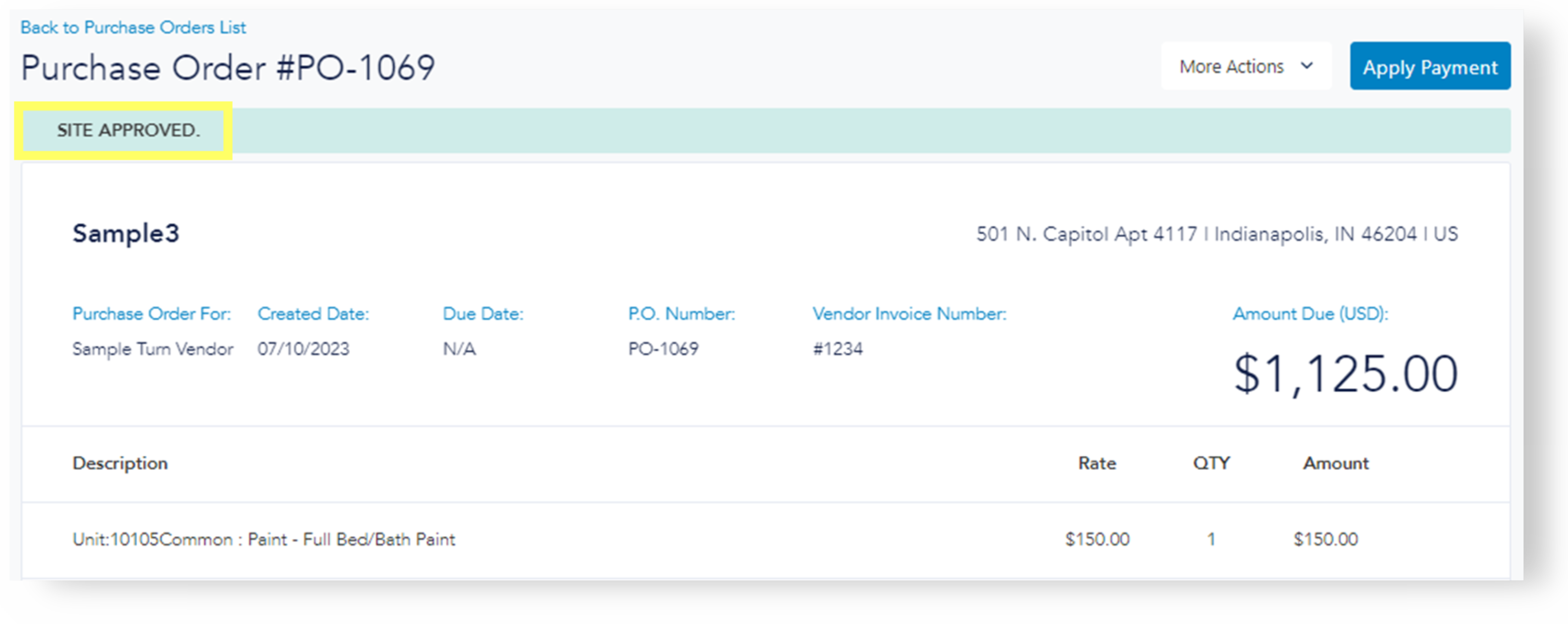
When ready to approve, click "Approve." The status will change to "Site Approved," and edits will no longer be available. However, tax may be added and payment may still be applied.
If no further Accounts Payable (AP) oversight is required, CONGRATULATIONS! This completes the Payables process!