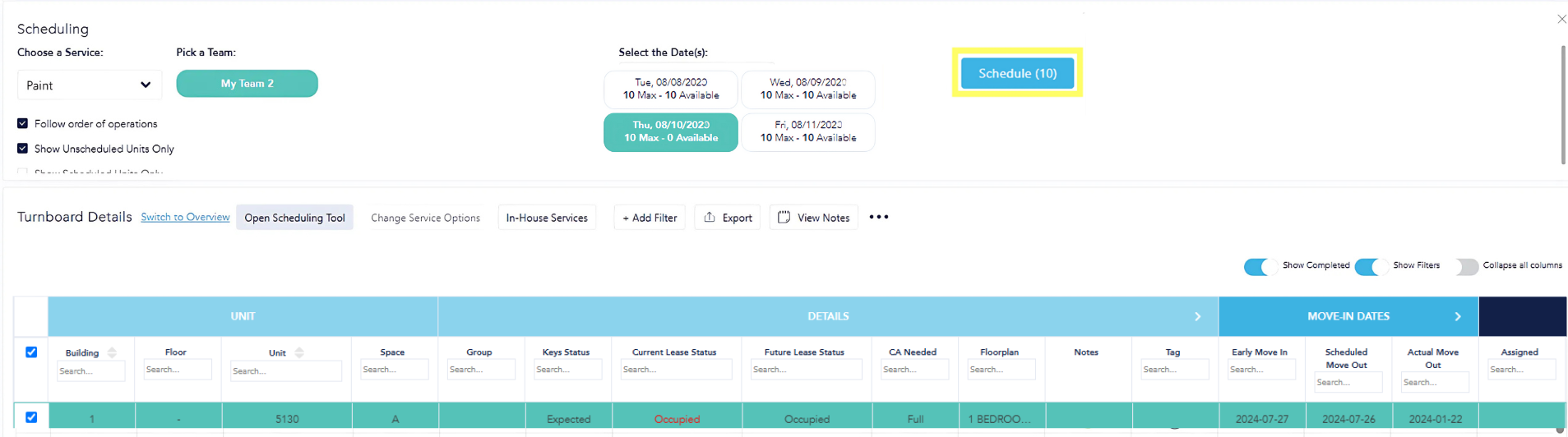
Scheduling Tool
If you have already loaded work before move-out inspections, completed inspections before your primary turn begins, and arranged capacity for your service teams, use the Scheduling Tool to pre-schedule the work to be completed on site.
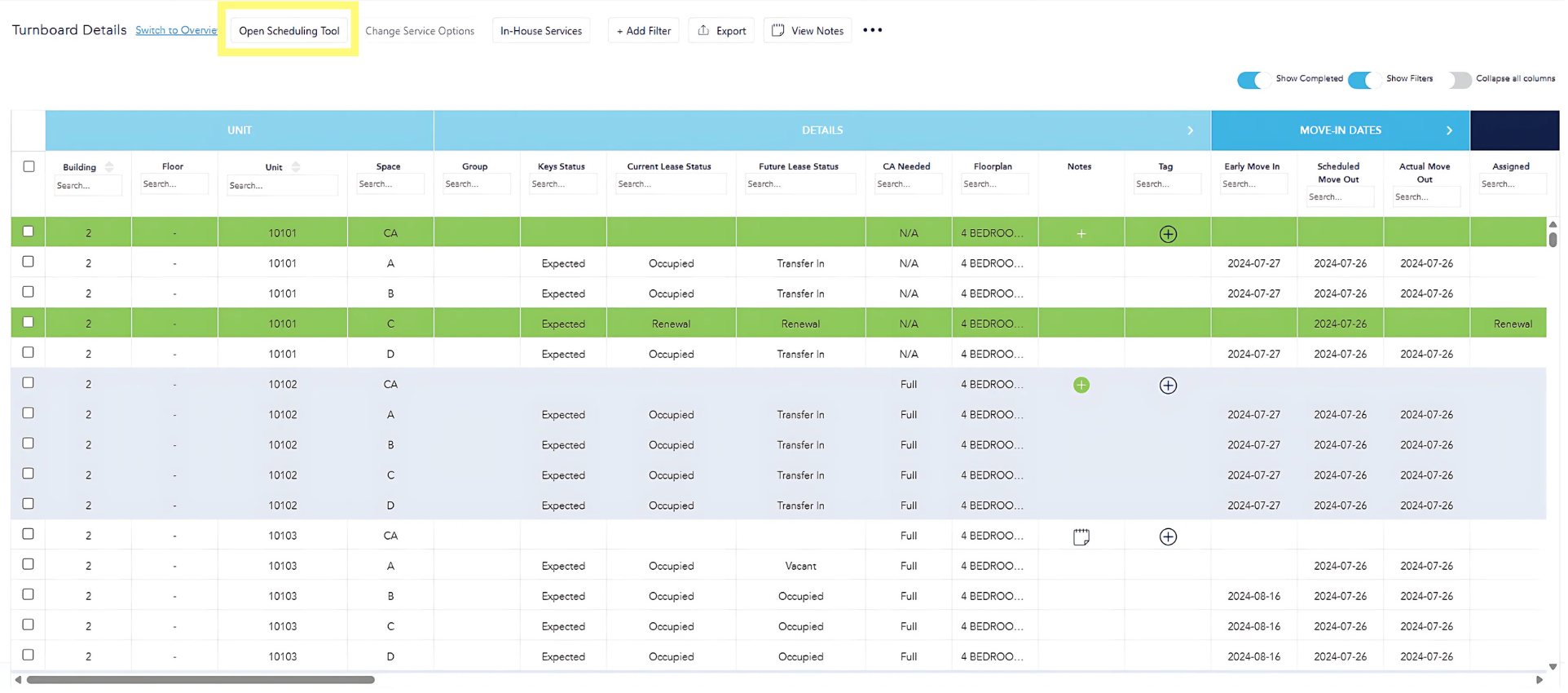
Click "Open Scheduling Tool."
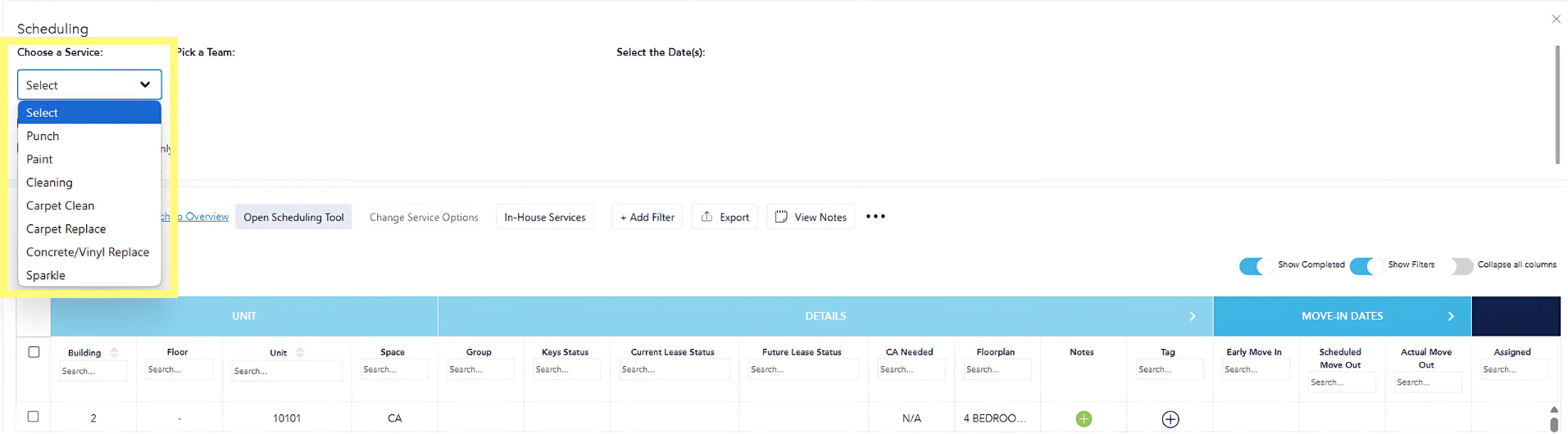
Choose the service to schedule from the dropdown box.
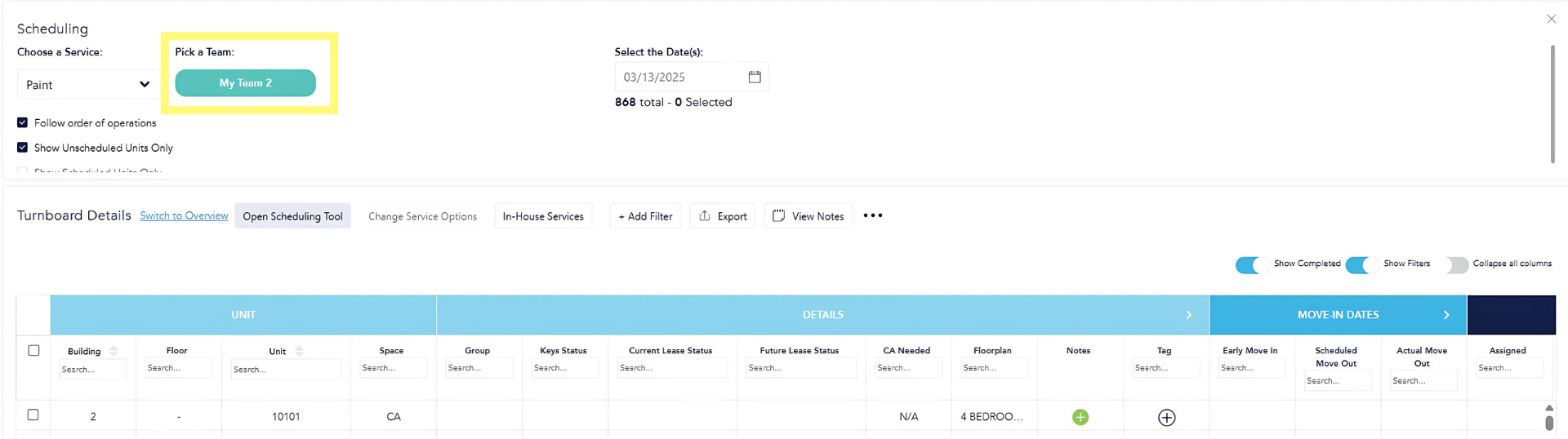
Pick a team.
Select the date(s) to schedule work for. Available dates are based on capacity entered in setup.
The Turnboard details below will then reflect ALL units that are available to schedule for that service, with that team, on that date. Select the units to schedule. Click the blue "Schedule" button.
Repeat this process for all services until all work is pre-scheduled.
This scheduled date will then appear on the respective service tab. Work can then be sorted by scheduled date to move units through together based on the timing created using the tool.