Print a Completed Inspection
Learn how to print a completed inspection.
Printing your completed inspections is simple!
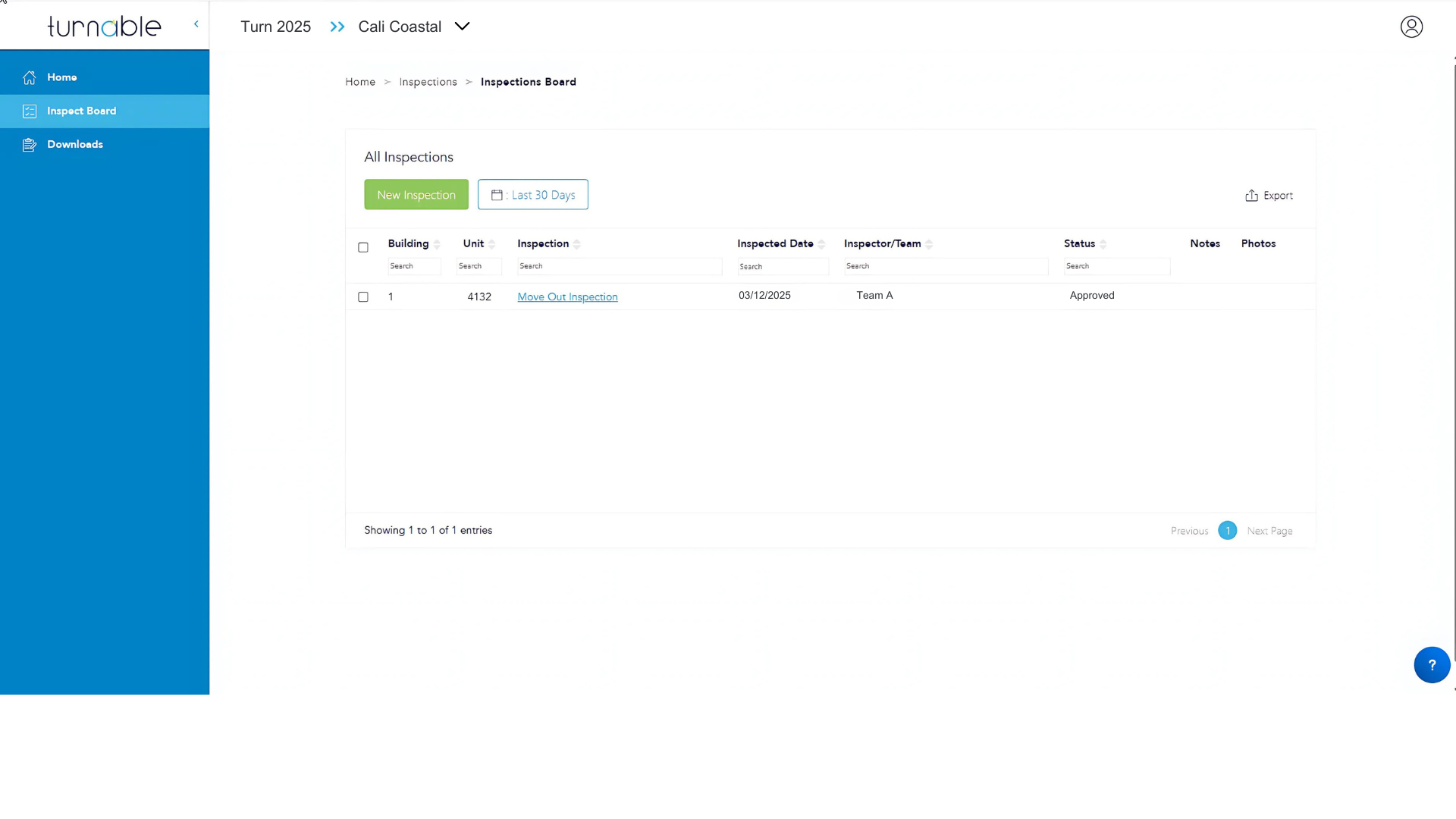
- Select Home.
- Select Let's Go on the Inspections tile.
- Use the unit search to find the desired unit or units, if printing multiple inspections.
- Select Units
- Select one or more units
- Select Export
- Download your excel file to review inspection details.