Disable a Vendor Login
You can easily disable a vendor at any time if you wish to remove their access to the platform.
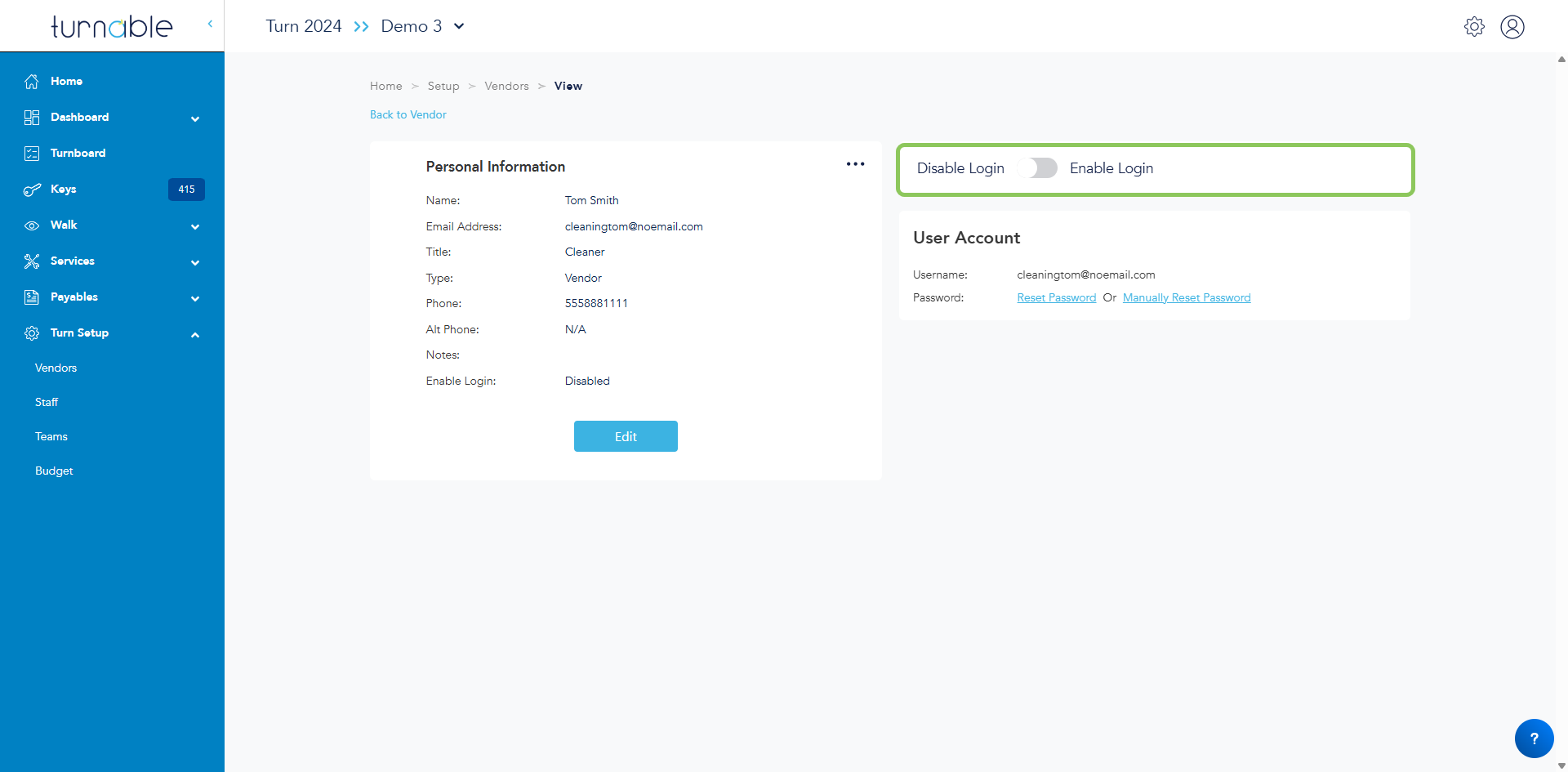
If you have vendors that no longer need access to Turnable, disabling their login is as easy as toggling off a switch!
Disable a Vendor Login
- Navigate to the Vendor Logins section for the vendor you wish to disable
- Turn Setup > Vendors > Vendor Name > Vendor Logins
- Select the name of the individual you wish to disable
- Click the Disable Login/Enable Login toggle
- Changes are saved automatically