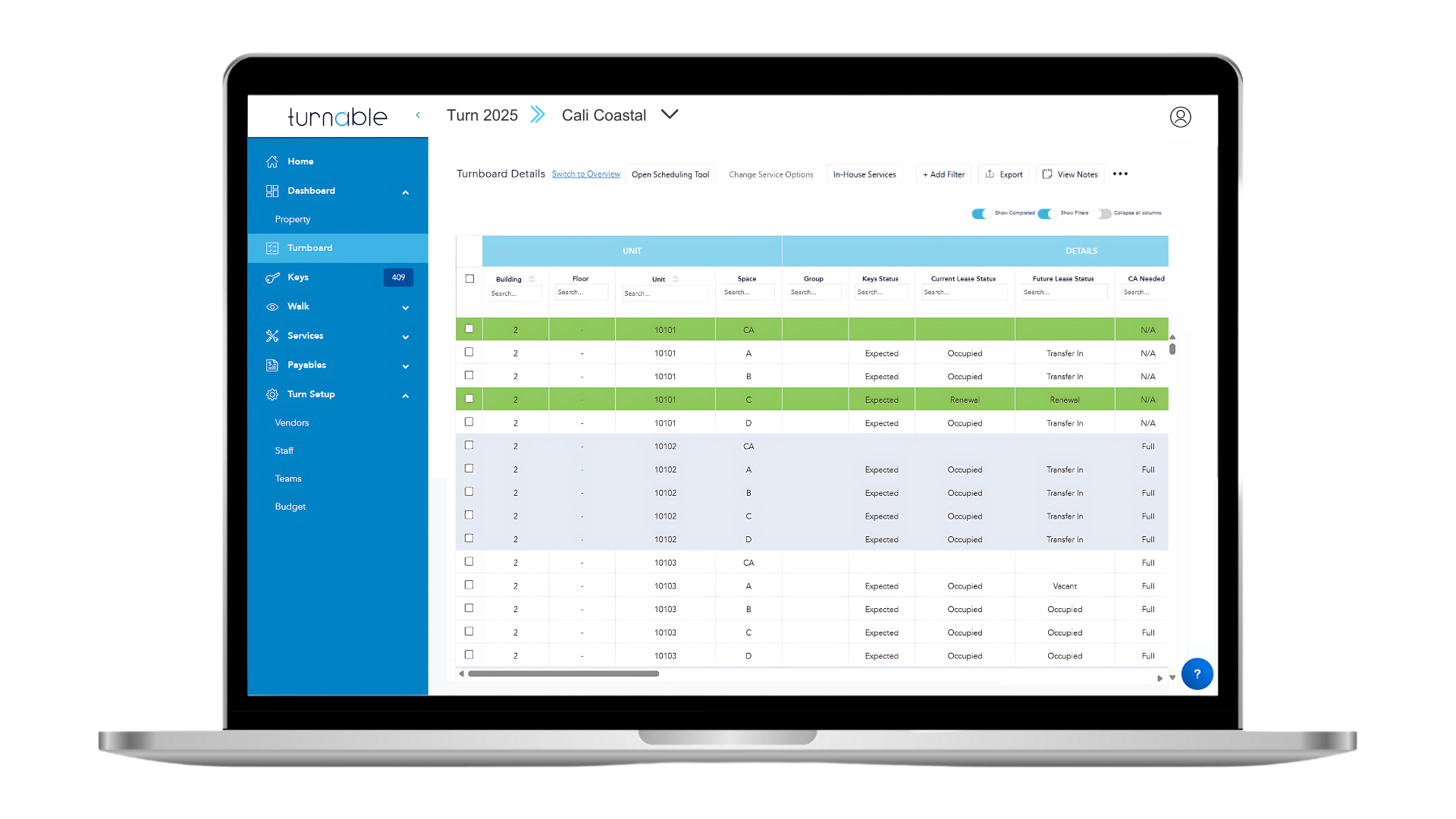
Turnboard Dashboard Overview
Your Turnboard is the best of both worlds! It provides a high-level understanding of vendor service progress and also drills down into detailed data as needed.
From high-level vendor service progress to detailed unit data, the Turnboard offers a comprehensive view of your portfolio. Easily toggle between views, apply dynamic filters, and add notes and tags for enhanced organization. With the Scheduling Tool, pre-schedule work efficiently before move-out inspections or primary turns, ensuring smooth operations. Need to make changes? Simply use the "Change Service Options" feature. Explore the "Additional Options" menu for advanced functionalities like marking units as "As-Is" or overriding lease status. For a broader perspective, switch to the Overview mode.
To view the Turnboard, click "Turnboard" in the left-hand menu.